Get Started
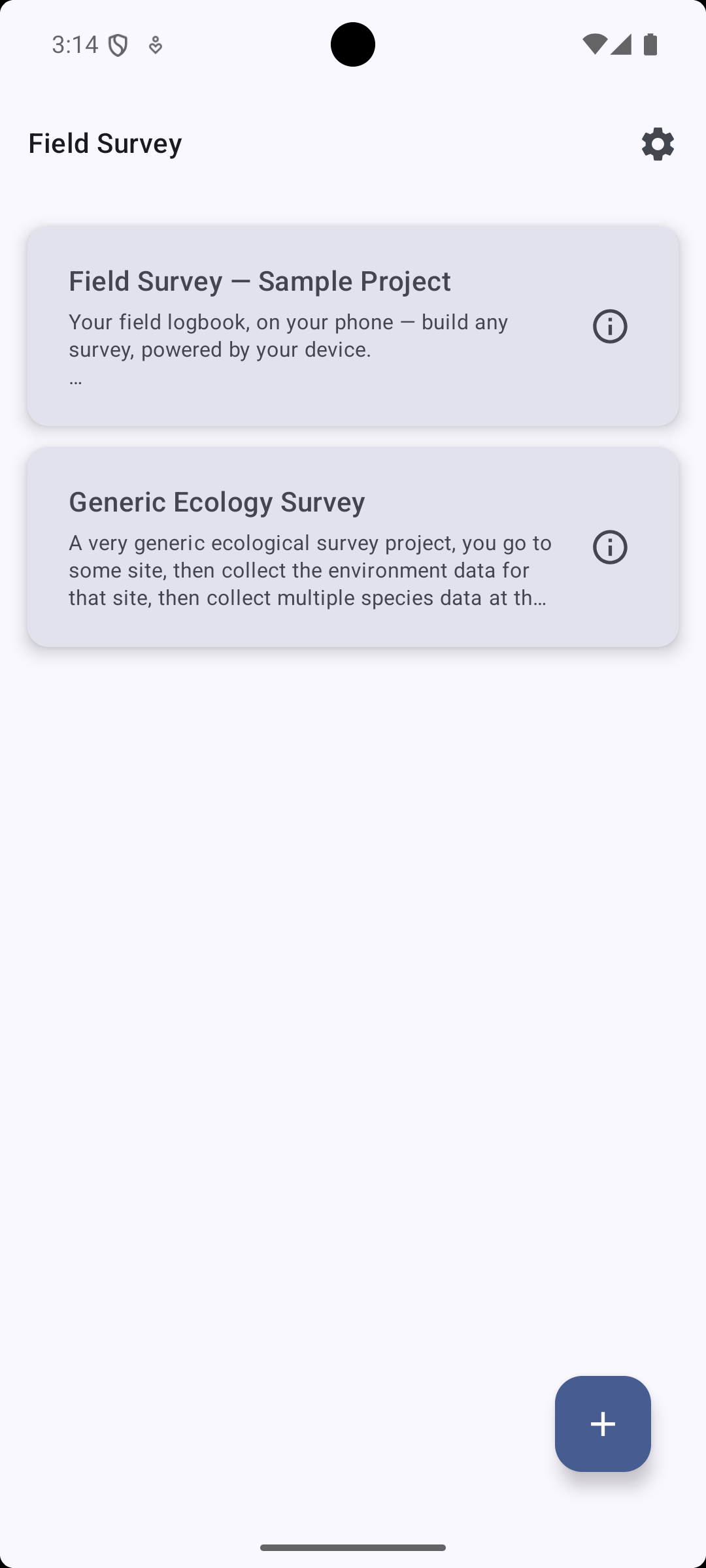
1. Import project
-
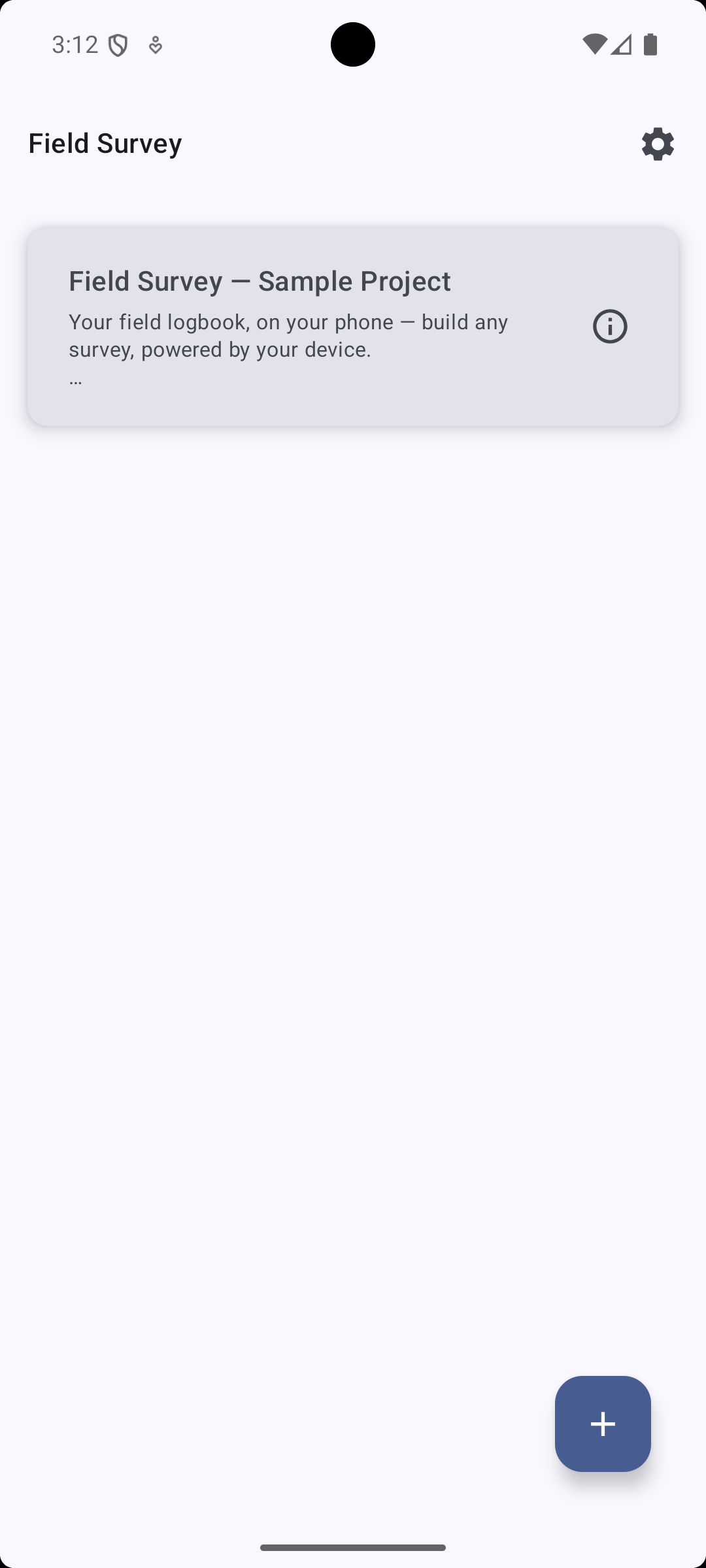
Press the
+button on the home screen -
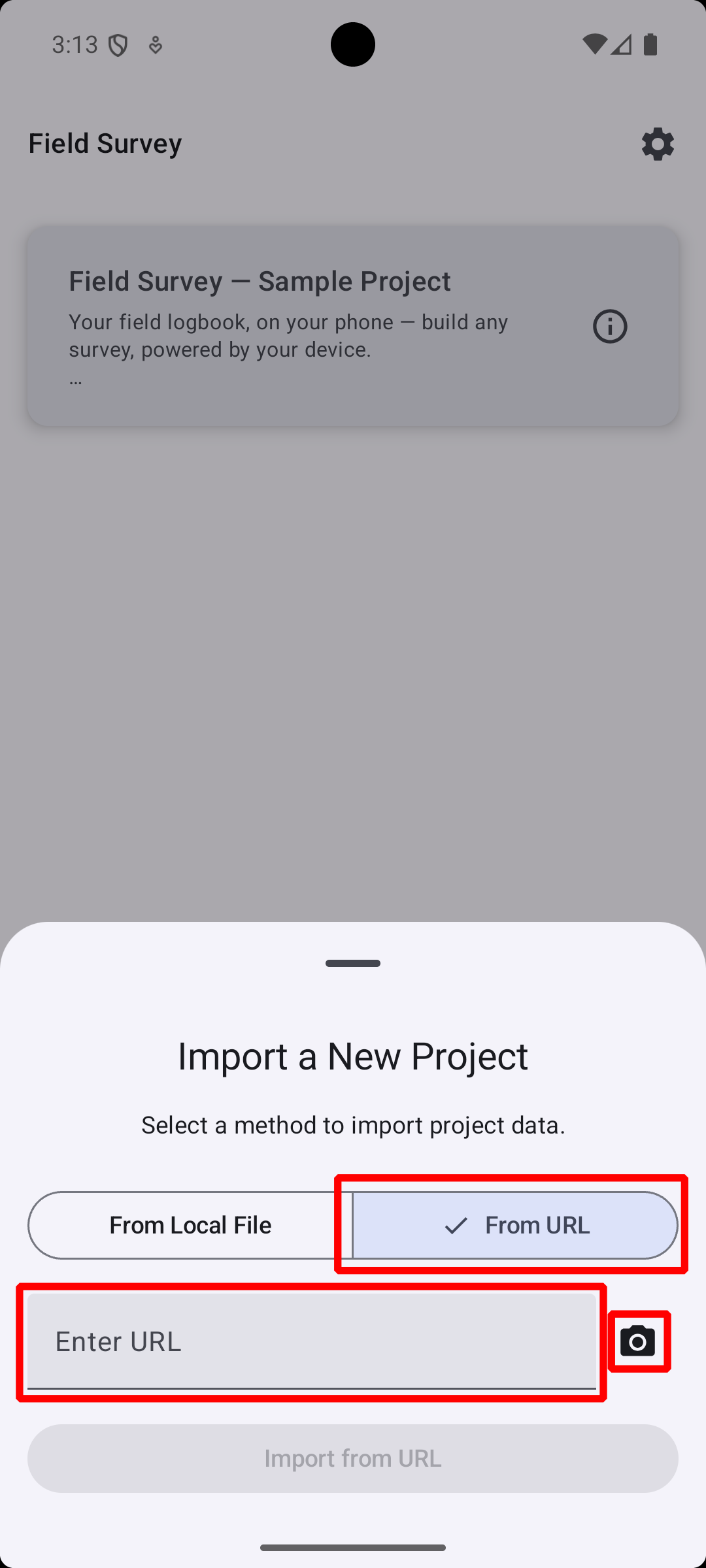
Press from URL and then either:
-
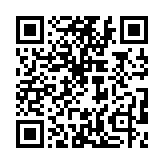
Paste this URL
-
or, press 📷 icon to scan QR code
-
Import by URL is recommended for easy template updates with a single button.
2. Collect records
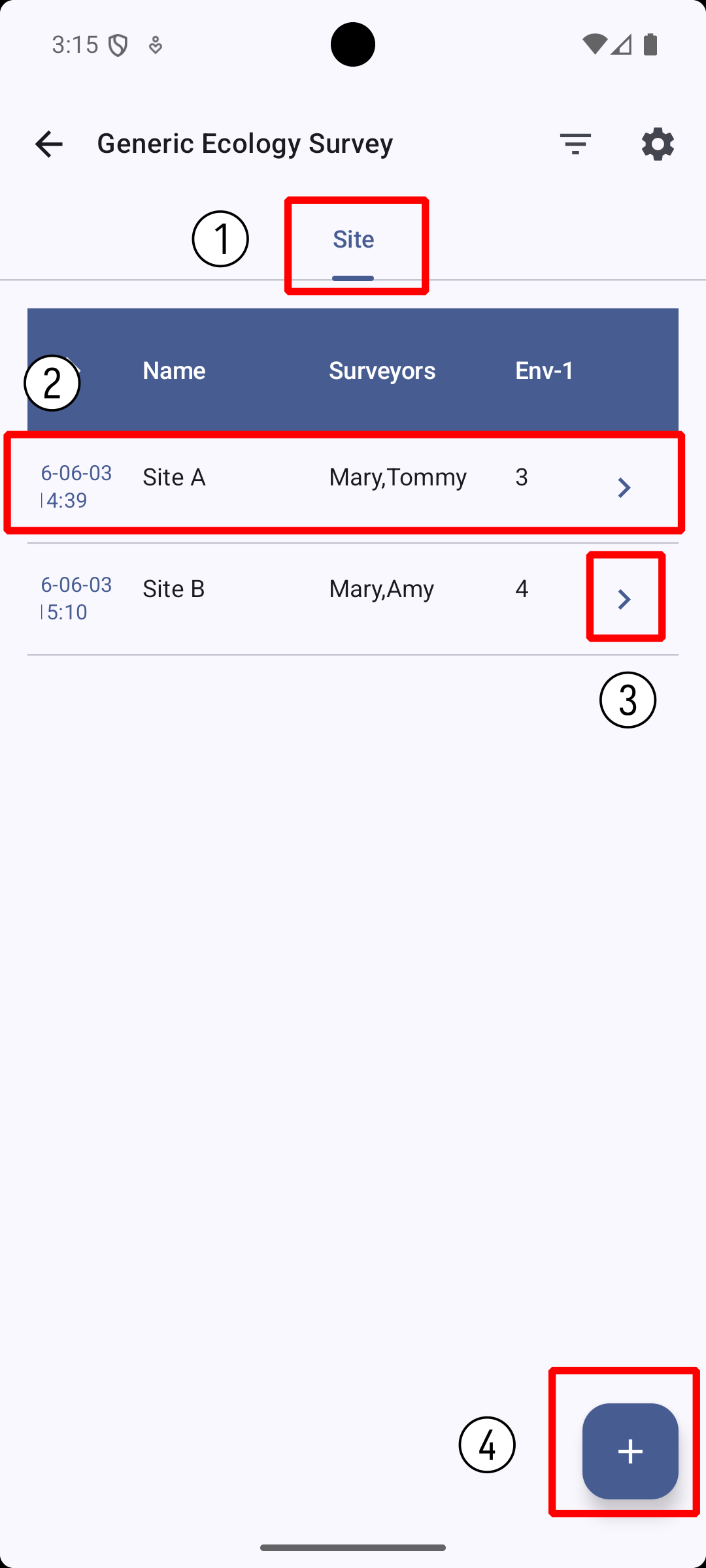
Overview Table
-
Switch to sibling sections (if exists)
-
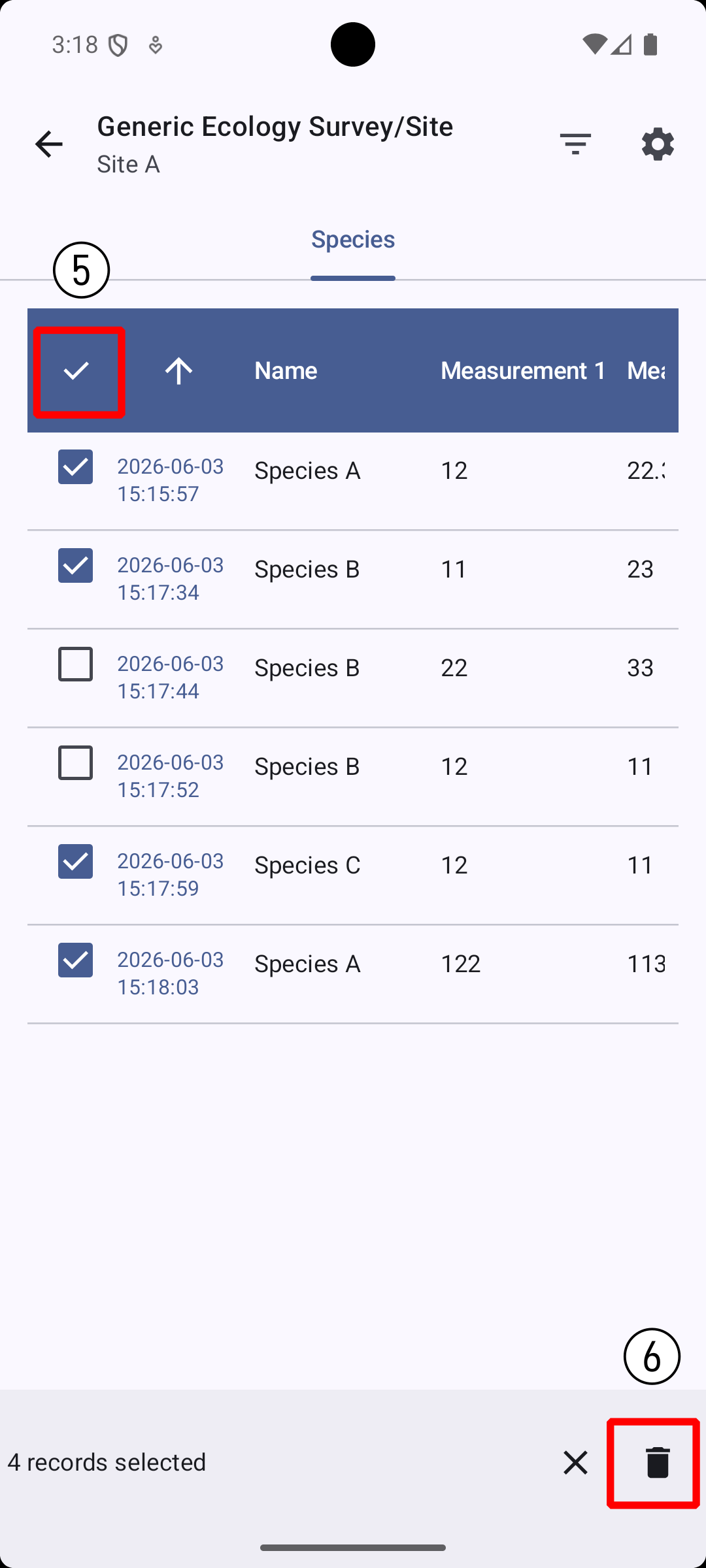
Tap to enter Record Detail, long press to record selection
-
Enter child of this record
-
Create new record
-
Select / deselect all
-
Remove selected records
Record Detail
-
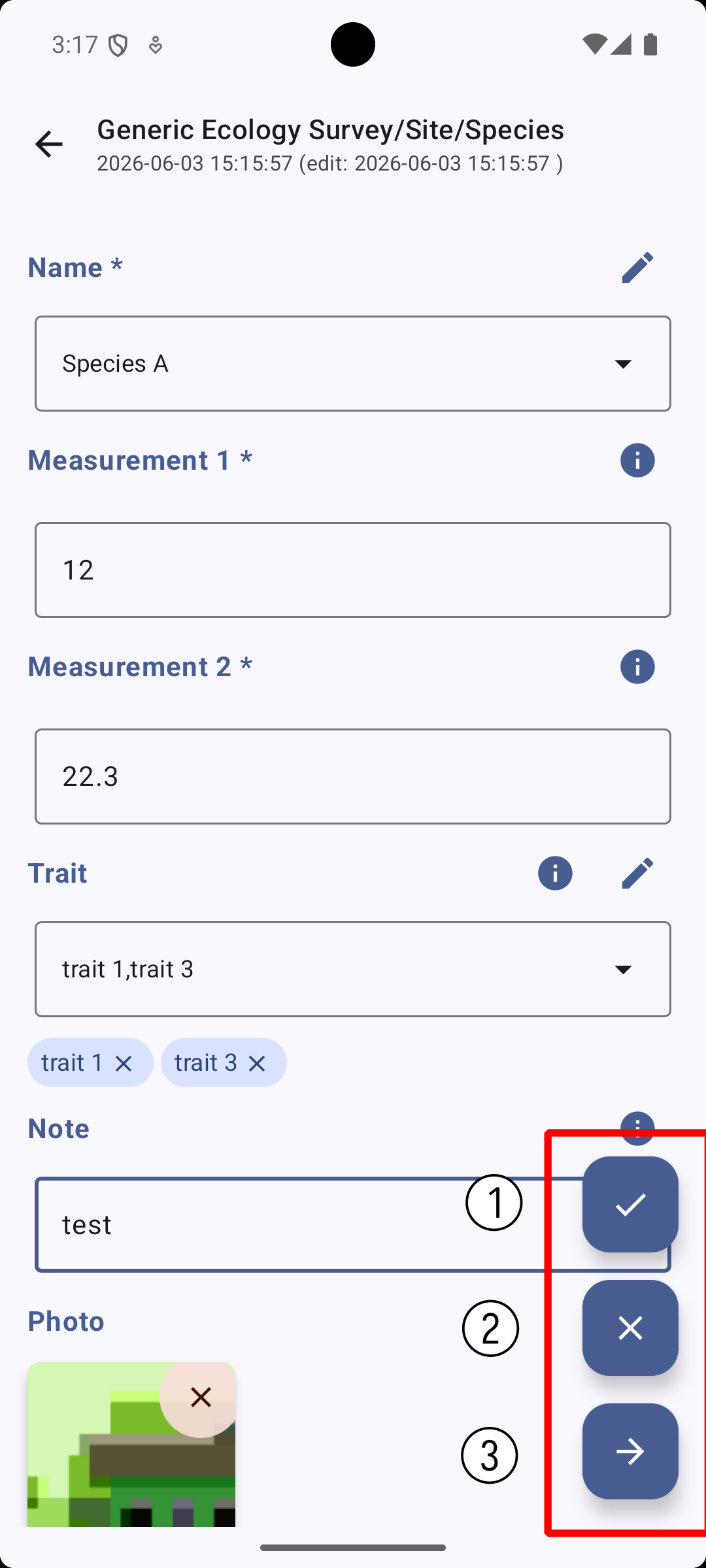
Save - Save your edit to database and back to View Mode
You can not save if some required variable is still blank.
-
Cancel - Discard your edit and back to View Mode
-
Save & Next - Save and immediately start a new record (new record only)
-
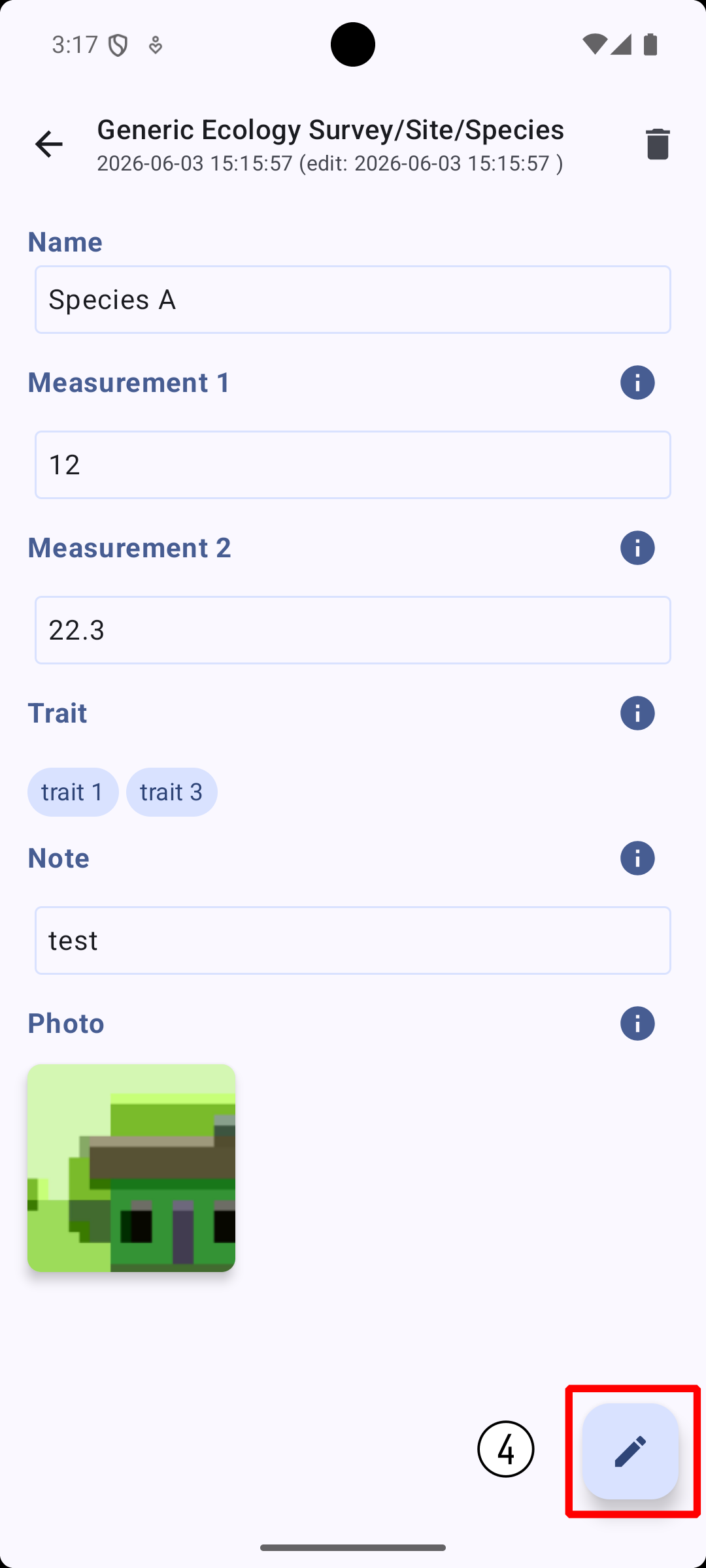
Enter Edit Mode
-
Enter child of this record
3. Export as spreadsheet
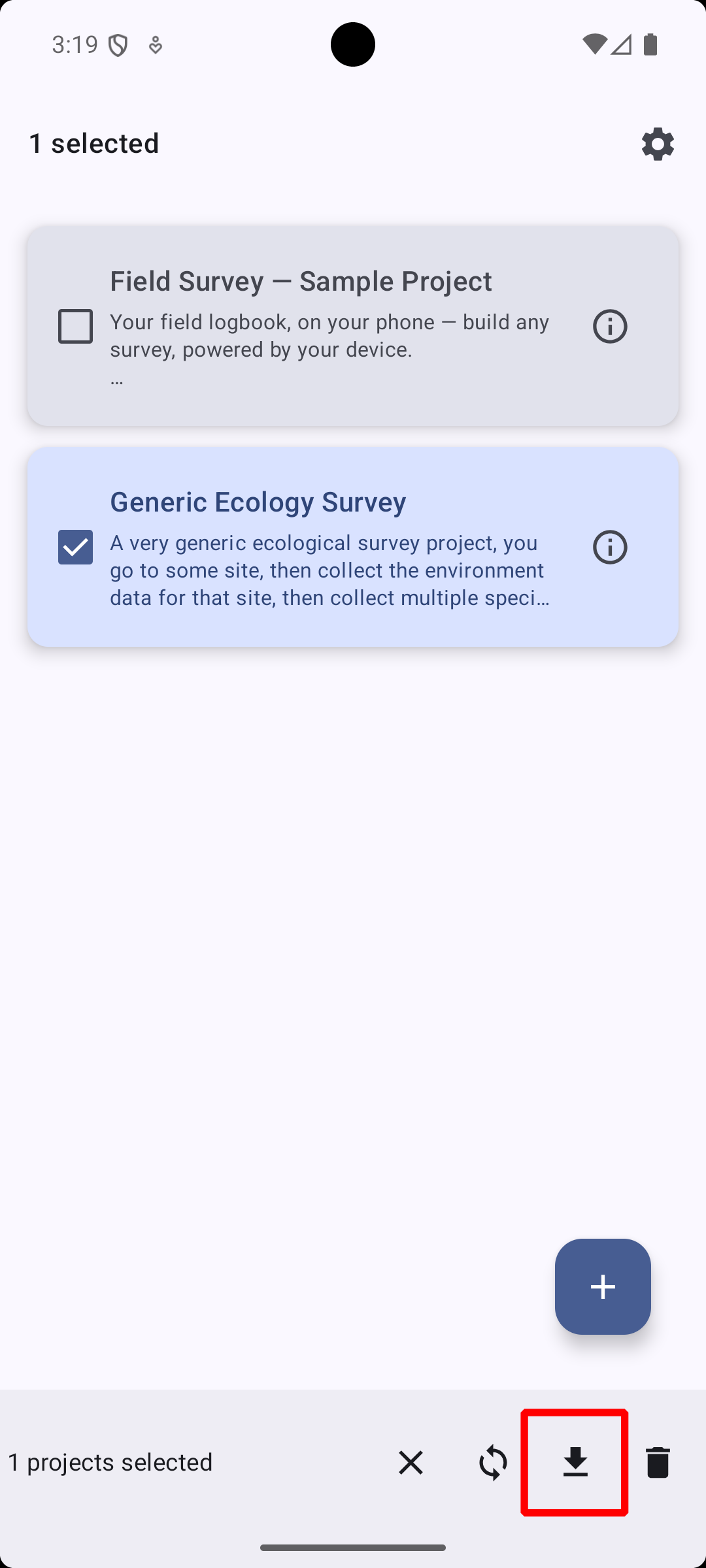
Long press the project in home screen, then press ↓ button to download.